Video Killed the Radio Star . . . or Did It? The Real Value of Video in PT Education
9 min read
About 14 min, read aloud by an AI voice.
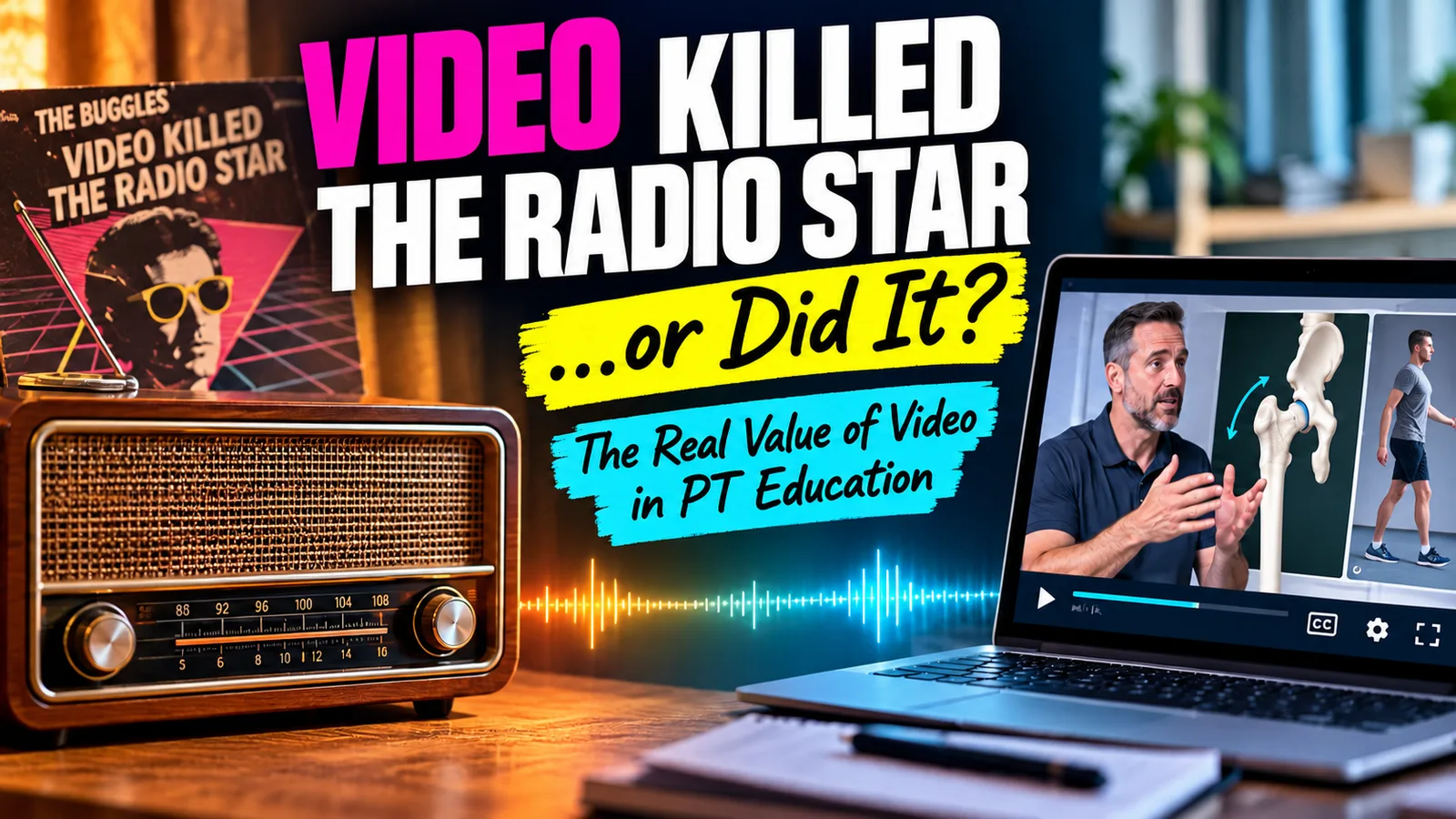
Video did not kill the radio star, and it will not kill the lecture either. What it can do, when designed well, is make expert thinking visible in a way text never could.
When MTV launched in August 1981, the first video it played was The Buggles' "Video Killed the Radio Star." It was a cheeky prediction. Forty-five years later, radio is still here, podcasts are booming, and audio turned out to be stronger than anyone expected.
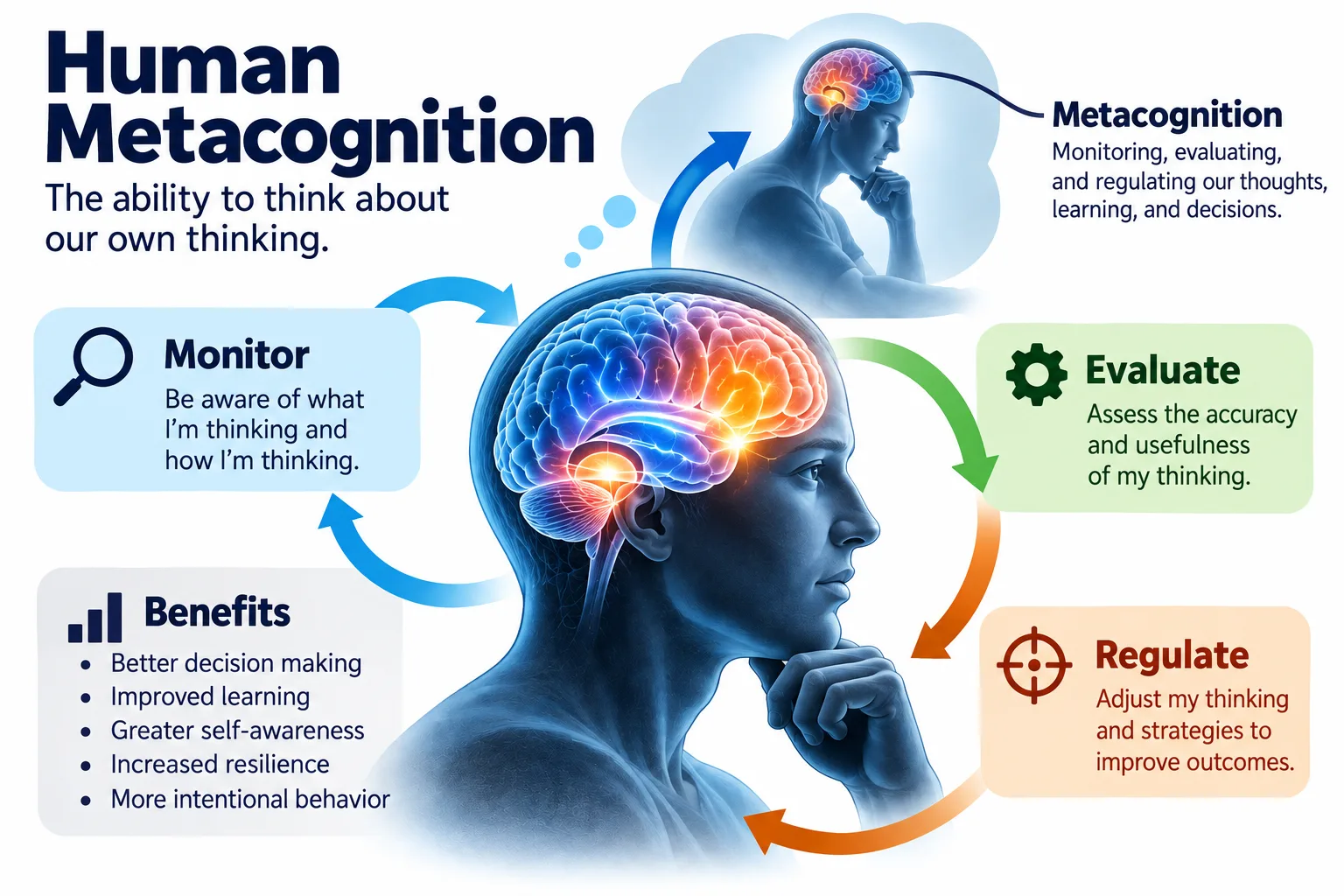
I have been thinking about that song a lot lately. In a recent doctoral course discussion, a colleague in speech-language pathology proposed using Loom, a screen recording tool, to model clinical reasoning for graduate students. The closing question stuck with me: what makes a technology like this genuinely useful for learning, rather than simply another way to deliver information?
After 35 years in physical therapy and a good stretch of that teaching DPT students, I think the answer is surprisingly specific. It comes from cognitive science, not from the software. Here is what the research says, and how I would put it to work.
Your students' brains have two doors and a small waiting room
Richard Mayer's cognitive theory of multimedia learning explains why some videos teach and others just play. His third edition of Multimedia Learning (2021) distills more than 200 experiments into a handful of principles, and they rest on three ideas.
- Two channels. Words you speak come in through the ears; images on the screen come in through the eyes. Each channel works semi-independently.
- Limited capacity. Working memory is the small waiting room where both channels meet. It holds only a few things at once.
- Active processing. Learning happens when students select what matters, organize it, and connect it to what they already know.
That gives every video three jobs. Cut the clutter that wastes working memory. Break complex material into digestible parts. Get the learner to do something with it.
In practice, that means narrating over an image instead of covering the screen with text. It means pointing at the Trendelenburg sign at the exact moment you name it. It means leaving out the background music and the clever tangent, however entertaining. None of these require expensive software. All of them require intention.
Here's the radio part: your voice matters more than your face
This is where the song title earns its keep. Many of us assume students need to see us on camera. The research says the face helps students feel connected, but it rarely helps them learn.
Heidig and colleagues (2024) (opens in a new tab) ran three field experiments inside real university courses, using exam-relevant lectures over 30 minutes long, delivered by instructors the students knew. A visible instructor raised social presence in one study and well-being in another. Learning outcomes did not change in any of the three. Most students still said they preferred seeing the instructor.
Eye tracking explains part of this. Van Wermeskerken and van Gog (2017) found that an instructor's face pulls learners' eyes away from the demonstration without improving what they learn. Meanwhile, Marshall and Love (2025) (opens in a new tab) found that weekly asynchronous videos raised students' sense of instructor presence and their perceived understanding of course material.
Put those together and a practical rule emerges. Show your face to build connection: in a welcome, an announcement, or feedback. Shrink it or hide it when the screen holds case data, imaging, or a movement students need to study. Your voice, speaking conversationally, carries most of the social benefit on its own. Radio, it turns out, was onto something.
Watching is not learning
My colleague made a point I fully agree with: watching a video is still a fairly passive activity. The research backs that up, with one important twist.
Mayer, Fiorella, and Stull (2020) (opens in a new tab) reviewed what makes instructional video effective. One of their five evidence-based strategies is the generative activity principle: prompts that ask learners to summarize or explain the material improve learning. Fiorella and Mayer (2018) added a telling detail. Simply inserting pauses into a video did not help.
So the pause itself does nothing. A pause that asks students to produce something does a lot. "Stop here. What is your top differential, and what single test would change your mind?" That one sentence turns a lecture clip into a reasoning exercise.
The practical rule is simple. Every instructional video should be paired with a task students must complete. If there is no task, ask whether the video needs to exist at all.
Right tool, right job: Camtasia and Loom
I have used Camtasia for years and had never heard of Loom until this discussion, so I signed up for a free account to see for myself. My conclusion: they are not competitors in my teaching. They do different jobs.
| Camtasia | Loom | |
|---|---|---|
| Best for | Durable modules you reuse every term | Timely feedback, modeling, and quick explanations |
| Strength | Zoom and pan, callouts, cursor effects, quizzes with SCORM export to the LMS | Record and share a link in minutes; captions, comments, emoji reactions, viewer insights |
| Time per video | Hours for a polished module | Minutes |
| Cost | Essentials plan $179.88 per year for quizzes and SCORM | Free Starter plan (25 videos, 5-minute recordings); verified educators get premium at 75% off |
Sources: Camtasia pricing (opens in a new tab), Loom pricing (opens in a new tab), and Loom for Education (opens in a new tab).
Camtasia's strengths line up with the principles that manage attention. Zoom and pan, callouts, and cursor highlighting are signaling tools, and embedded quizzes enforce the generative pause. That is worth hours of editing for a lecture I will use for years.
Loom's strengths line up with the social side. A two-minute recording in my own voice, sent the same day, feels like a conversation. That is hard to match with a polished production. Loom's five-minute limit on the free plan even nudges me toward segmenting, which the research supports anyway.
Five ways I would use video in PT education
- Clinical reasoning think-alouds. Screen-share a de-identified low back pain evaluation and narrate the reasoning: red flags first, then findings, competing hypotheses, and the tests that would rule each in or out. Pause before the plan and ask students to commit to theirs. Then give them a parallel case to solve.
- Movement analysis. Pause a gait, transfer, or squat video and mark each deviation with an arrow at the moment you name it. Review the phases of the gait cycle first so students know what they are looking for.
- First-person skill demonstrations. Mount a phone at your own eye level for hand placements, goniometry, and manual techniques. Fiorella and colleagues (2017) found students learned an assembly task better from a first-person view than a third-person one, likely because they do not have to mentally flip the image.
- Video feedback on skill checks. When students submit a recorded skill, reply with a short video that names one strength, the most important correction with its timestamp, and the change you want to see. Then require the resubmission.
- Flipped preparation that is actually active. Embed questions in a Camtasia module, or post the video in Perusall (opens in a new tab), where students comment and answer each other on readings, videos, and audio before class. You walk into lab knowing where they are confused.
A bonus idea: have students make the video. Teaching is one of the generative learning strategies Fiorella and Mayer (2015) identify, and explaining a technique to classmates forces students to organize what they know. Grade the explanation, not the production value.
The AI twist: when polish becomes free
In truth, I expect Camtasia and Loom to converge on features fairly soon, given how fast AI-assisted programming lets software teams iterate. Camtasia has been around for nearly 24 years, and Atlassian, which completed its acquisition of Loom (opens in a new tab) in 2023, is one of the most established names in software.
The convergence has already started. In June 2025, TechSmith launched Camtasia Online (opens in a new tab), a free browser-based recorder pitched for walkthroughs and personalized feedback, which is squarely Loom's territory. Loom's paid AI tier now generates titles, summaries, and chapters and lets you edit by transcript. Camtasia's top tier offers AI avatars, voiceovers, and dubbing.
My prediction: within a few years, both tools will do most of what the other does, and AI will make a slick video nearly free to produce. That is exactly when educators need to be most careful. The seductive details principle warns that interesting but extraneous material does not improve learning (Mayer et al., 2020). Easy stock footage, animated transitions, and AI presenters will tempt all of us to decorate.
There is also an open question about AI voices. The voice principle favors a human voice over a machine voice, but today's synthetic voices are far better than the ones in the original studies. Until the research catches up, I would keep my own voice on core clinical content. Students know it, and it carries the social cue that makes them lean in.
The bottom line
Video did not kill the radio star, and it will not replace good teaching. What it can do is let students watch an expert think, see a movement from the clinician's own eyes, and hear feedback in a voice they trust.
The real value of video in PT education comes down to three questions to ask before you hit record:
- Does every element on screen earn its place? If not, cut it.
- Is the content broken into pieces a novice can hold in working memory? If not, segment it.
- What will students do after watching? If the answer is nothing, add a task or skip the video.
The software keeps changing. Those three questions will not.
Sources
- Atlassian. (2023). Atlassian completes acquisition of Loom (opens in a new tab) [Press release].
- Fiorella, L., & Mayer, R. E. (2015). Learning as a generative activity: Eight learning strategies that promote understanding. Cambridge University Press.
- Fiorella, L., & Mayer, R. E. (2018). What works and doesn't work with instructional video. Computers in Human Behavior, 89, 465–470.
- Fiorella, L., van Gog, T., Hoogerheide, V., & Mayer, R. E. (2017). It's all a matter of perspective: Viewing first-person video modeling examples promotes learning of an assembly task. Journal of Educational Psychology, 109(5), 653–665.
- Heidig, S., Beege, M., Rey, G. D., & Schneider, S. (2024). Instructor presence in instructional videos in higher education: Three field experiments in university courses (opens in a new tab). Educational Technology Research and Development, 72, 3047–3074.
- Marshall, D. T., & Love, S. M. (2025). Enhancing instructor social presence in asynchronous courses using weekly videos (opens in a new tab). The Journal for Research and Practice in College Teaching, 10(1).
- Mayer, R. E. (2021). Multimedia learning (3rd ed.). Cambridge University Press.
- Mayer, R. E., Fiorella, L., & Stull, A. (2020). Five ways to increase the effectiveness of instructional video (opens in a new tab). Educational Technology Research and Development, 68(3), 837–852.
- TechSmith. (2025). TechSmith debuts Camtasia Online (opens in a new tab) [Press release].
- van Wermeskerken, M., & van Gog, T. (2017). Seeing the instructor's face and gaze in demonstration video examples affects attention allocation but not learning. Computers & Education, 113, 98–107.
Pricing and features reflect Loom (opens in a new tab) and Camtasia (opens in a new tab) pages as of October 9, 2026.