Video Cameras for Mom & Dad: A Move Toward Safety and Independence, or a Nanny State?
9 min read
About 14 min, read aloud by an AI voice.
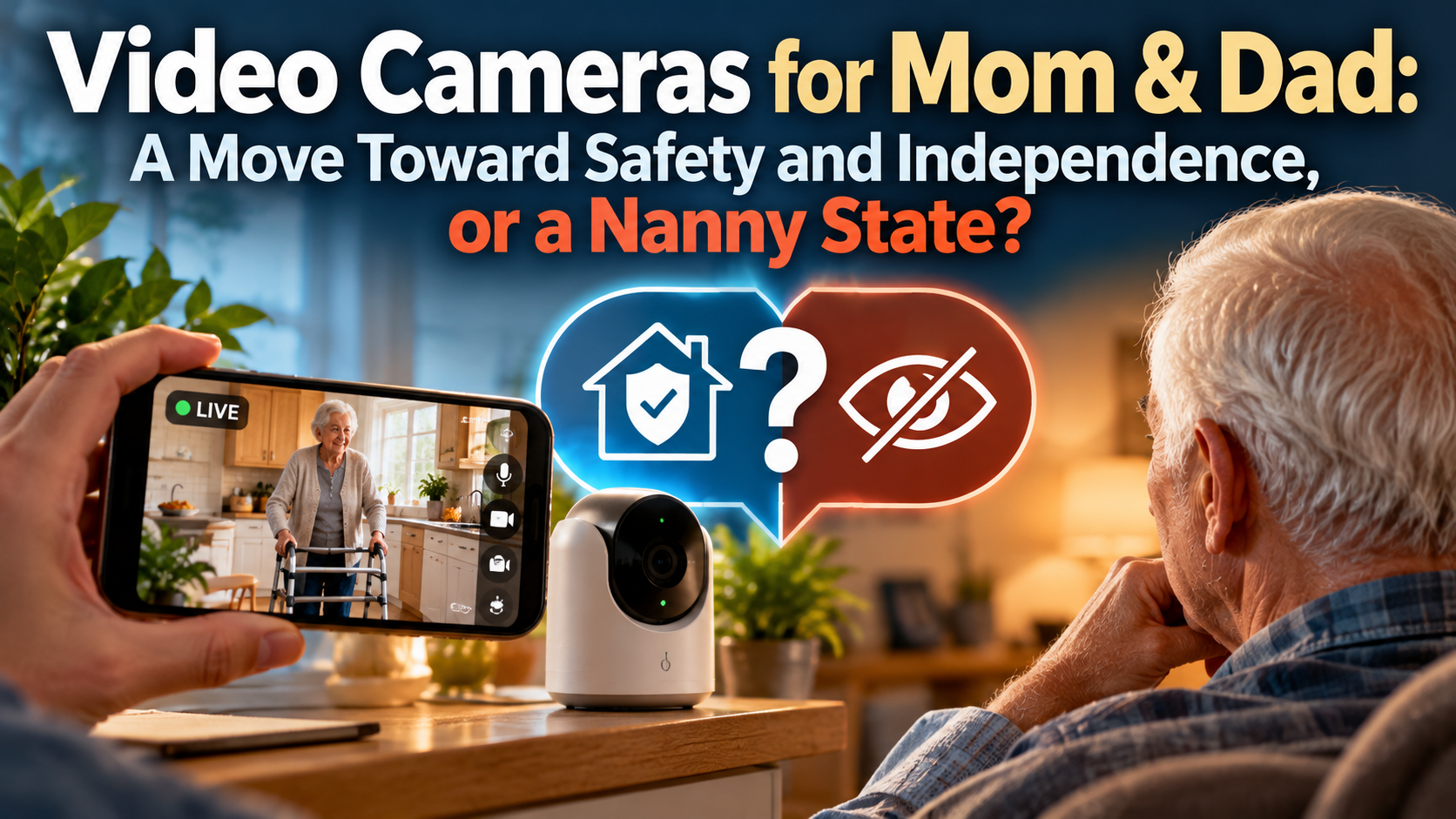
Video cameras can help an older parent stay home longer and safer, but only when the family decides, out loud and in advance, what the cameras are for and what they are not for.
If you are caring for a parent from across town or across the country, you have probably asked the question. An inexpensive camera from a big box store promises peace of mind. You can check in from your phone, see that Mom made it to the kitchen, and hear Dad's voice. For many families, that feels like a small miracle.
It can also feel like something else. To the person being watched, a camera in the living room can feel like a vote of no confidence. It can feel like the beginning of the end of being an adult in your own home. So which is it: a move toward safety and independence, or a nanny state?
After more than 35 years as a physical therapist, much of it spent making homes safer for veterans, my honest answer is that it can be either. The camera does not decide. We do.
What the cameras showed me about my own mother
I did not learn this lesson as a clinician. I learned it as a son.
When my mother was 90, we put cameras in her home. She lived alone, she used a walker, and we wanted a way to check on her between visits. Within days, the cameras showed us something we had not expected. Mom was walking around the house without her walker. As a family, we agreed that was not safe.
So I talked to her about it. She denied it.
Then I showed her the video. "Well," she said, "it was only the one time."
So I showed her another clip. And another. And another. And another.
I am not proud of this part, but I was getting more and more upset. She was deflecting, and I was escalating. Finally she looked at me and said, "I need you to take these cameras out of here, because they're making you upset."
I had to stop and remind her, and frankly remind myself, that the cameras were not what was upsetting me. Her unsafe behavior was. The cameras were only the messenger.
In the end, Mom agreed to keep the cameras. I am grateful she did. Over the time that followed, they proved immensely valuable. They let us check on her, confirm she was okay, and respond quickly to situations that were true emergencies and could easily have become catastrophes.
That story holds both sides of this debate. The cameras protected her. They also put her on the defensive, and they put me in the role of prosecutor, which is not a role any son should want with his mother. Both things were true at once.
The case for cameras
Falls are the reason most families start looking. According to the CDC, about 1 in 4 adults age 65 and older reports a fall each year (CDC, Older Adult Falls fact sheet (opens in a new tab)). Many never mention a fall to their doctor. A camera does not prevent a fall, but it can shorten the time someone spends on the floor waiting for help, and it can reveal the near misses no one would otherwise report.
Well-placed cameras can help families:
- Respond faster. A quick check after a missed phone call can tell you whether to call a neighbor, 911, or no one at all.
- See real behavior, not reported behavior. My mother was certain she always used her walker. The video said otherwise. Clinicians and families make better decisions with accurate information.
- Spot slow changes. Shuffling steps, more time in the chair, missed meals, or a new habit of furniture walking can show up on video weeks before they show up in a doctor's office.
- Support independence. For many families, cameras are the compromise that makes staying home possible when the alternative under discussion is assisted living.
- Reduce caregiver worry. Long-distance caregivers carry constant low-level anxiety. A quick look that confirms Dad is fine can lower that burden for everyone.
Used this way, a camera is not a leash. It is a safety net that lets someone keep walking the tightrope of living alone.
The case against cameras
The same camera that offers reassurance can quietly take something away. The costs are real, and families should name them before they plug anything in.
- Dignity and privacy. Your parent's home is the last place where they are fully in charge. Being watched there, even lovingly, can feel like being demoted from adult to patient.
- Consent that is not really consent. "Fine, do whatever you want" from a tired parent is not agreement. Cameras installed without a real conversation, or over a parent's objection, erode trust that the family will need later.
- The prosecutor problem. Video turns every choice into evidence. As I learned, it is easy to slide from "How can I help you?" to "I have you on tape." That shift damages the relationship far more than one unsafe walk to the kitchen.
- Surveillance as a substitute for presence. A camera can make it easier to call less and visit less. Checking an app is not the same as a conversation. Loneliness is its own health risk.
- False security. Cameras only help if someone is watching or alerts are set up well. Blind spots, dead batteries, Wi-Fi outages, and missed notifications are common.
- Data and security. Video of a parent's daily life is sensitive. Weak passwords, shared logins, and cloud storage settings matter more than most families realize.
- Other people in the home. Visitors, aides, and housekeepers have their own expectations of privacy, and audio recording in particular can raise legal questions that vary by state.
None of these is a reason to rule cameras out. Each one is a reason to use them with intention.
The bathroom paradox
If you placed cameras purely by fall statistics, the bathroom would be first on the list. It is also the one room where a camera does not belong.
The numbers are sobering. A CDC analysis of emergency department data estimated about 234,000 nonfatal bathroom injuries in a single year among people 15 and older; roughly 81% were caused by falls, and injury rates rose with age (CDC MMWR, 2011 (opens in a new tab)). Among people 85 and older, more than half of those injuries happened on or near the toilet. A separate study of high-risk older adults found that falls in the bathroom were more than twice as likely to cause injury as falls in the living room (Stevens et al., 2014).
So the most dangerous room is also the most private one, and the reason is obvious. Bathing and toileting are where dignity is most exposed. A camera there tells a parent that safety now outranks every other part of who they are. Most people would rather take the risk.
The answer is not to ignore the bathroom. It is to protect it differently:
- Fix the environment first: grab bars at the toilet and tub, a raised toilet seat or safety frame, a shower chair, non-slip surfaces, and good night lighting on the path from bed to bathroom.
- Put a camera in the hallway outside the bathroom door, aimed away from the doorway, so you can see someone go in and come out.
- Consider privacy-respecting alternatives inside the room, such as a wearable or wall-mounted help button, motion or door sensors that flag an unusually long visit, or radar-style passive fall detection that senses movement without capturing an image.
- Agree on a simple routine, like a quick text or call if a bathroom visit runs long.
The goal is to know that someone is okay without seeing them at their most vulnerable.
Technology is a substrate, not an actor
In my article Technology and Compassion: Enabler or Extinguisher (opens in a new tab), I argue that technology is neither for compassion nor against it. It is a substrate. Whether a tool supports human connection or erodes it is decided by the people who choose how it is used: what it is asked to do, whose time it saves, what it replaces, and what parts of the human relationship it is required to protect.
Home cameras are a perfect example. The identical device can be an enabler or an extinguisher.
| The same camera as an enabler | The same camera as an extinguisher |
|---|---|
| Installed with your parent's real agreement | Installed over objection or without discussion |
| Used to check in and respond to emergencies | Used to monitor, catch, and correct |
| Adds to calls and visits | Replaces calls and visits |
| Footage starts a caring conversation | Footage becomes evidence in an argument |
| Placed where safety and dignity can coexist | Placed wherever coverage is greatest, including private spaces |
The line is not in the hardware. It is in our decisions.
That is why every piece of caregiving technology, from cameras to sensors to AI-powered monitoring, needs a compassionate use guideline before it is switched on.
A compassionate use guideline for family cameras
A compassionate use guideline is a short family agreement, ideally written down, that answers the hard questions before the camera does. Here is the framework I recommend:
- Start with purpose. Name the specific risk you are worried about, such as falls at night or walking without a walker. Cameras without a clear purpose drift into general surveillance.
- Ask, don't announce. Have the conversation with your parent, not about them. Listen for what they fear losing. Their "yes" should be a real yes, and they should know they can revisit it.
- Place cameras with dignity. Common areas and pathways only. Never the bathroom or bedroom, unless your parent asks for it and understands exactly what it means. Turn off audio unless there is a clear reason for it.
- Decide who watches, and when. Limit access to one or two people. Agree on when checking is appropriate, such as after a missed call or an alert, rather than all day long.
- Agree on what happens when you see something. Decide in advance how concerns will be raised. Lead with curiosity, not a stack of clips. "I noticed the walker was by the door yesterday. What was going on?" works far better than an ambush. Learn from my mistake.
- Keep the human contact. The camera is a supplement to calls and visits, never a replacement. If you notice you are watching more and calling less, adjust.
- Protect the footage. Use strong, unique passwords and two-factor login. Know where video is stored and how long it is kept. Delete what you do not need.
- Review the agreement. Revisit it every few months and after any hospital stay, change in health, or change in living situation. Needs change, and so should the plan.
The question at the center of every step is simple: does this help my parent live safely as the person they still are, or does it turn them into someone being managed?
Safety and independence, not a nanny state
So, are cameras a move toward safety and independence, or a nanny state? In my family, they were both, until we decided what they were for. Once Mom and I settled that, they became one of the best decisions we made.
The difference between protection and control is rarely the technology. It is the conversation around it, the placement, the rules about who watches, and the tone we use when the video shows something we do not like.
Build a plan your family can live with
At Home Safety Solutions, our Remote Caregiving Plan helps families make these choices thoughtfully. We look at your parent's home, routines, and fall risks, then recommend what to monitor, where, and how, along with privacy-respecting alternatives for the spaces cameras should not go. The plan is built around a compassionate use agreement your family can actually live with. We do not sell cameras, and we take no payments from device makers or installers, so our only interest is what works for your parent.
Visit homesafety.solutions (opens in a new tab)
About the author: Russ L'HommeDieu, DPT, ATP, is a physical therapist with more than 35 years of clinical experience, including a long tenure as a VA Home Safety Coordinator, and the founder of Home Safety Solutions.
This article is educational and is not medical or legal advice. In an emergency, call 911.
References
- Centers for Disease Control and Prevention. (2011). Nonfatal bathroom injuries among persons aged 15 years and older, United States, 2008. MMWR, 60(22), 729-733. https://www.cdc.gov/mmwr/preview/mmwrhtml/mm6022a1.htm (opens in a new tab)
- Centers for Disease Control and Prevention. Older adult falls (fact sheet). https://stacks.cdc.gov/view/cdc/106356/cdc_106356_DS1.pdf (opens in a new tab)
- L'HommeDieu, R. (2026). Technology and compassion: Enabler or extinguisher. CompassionSolution.org. https://compassionsolution.org/technology-and-compassion (opens in a new tab)
- Stevens, J. A., Mahoney, J. E., & Ehrenreich, H. (2014). Circumstances and outcomes of falls among high risk community-dwelling older adults. Injury Epidemiology, 1(1), 5. doi:10.1186/2197-1714-1-5