Keeping Veterans Safe at Home: What I Learned Putting Smart Technology to Work
9 min read
About 14 min, read aloud by an AI voice.
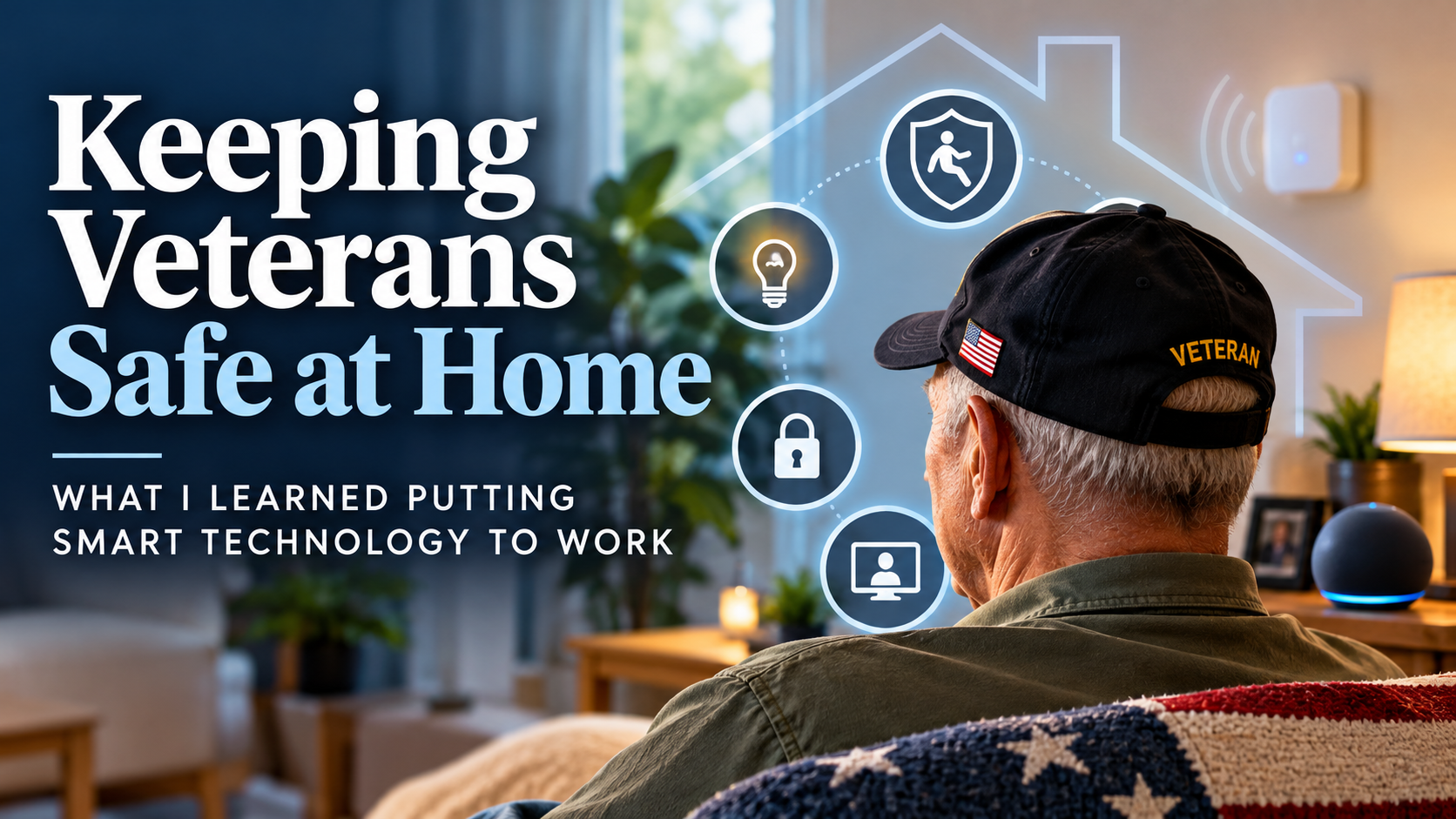
For many years my job at the VA was to answer one question: can this veteran stay safely in their own home? I walked through hundreds of houses, apartments and trailers. I measured doorways, tested grab bars, looked at stairs and watched veterans get in and out of chairs, beds and showers. And over time, the answers I wrote in my evaluations changed. Alongside the ramps and shower chairs, I started recommending technology most people buy at an electronics store.
This post is about that shift: what smart home and Internet of Things (IoT) devices can do for an aging or disabled veteran, why I believe radar-based fall detection belongs in that toolkit, and how any of it actually gets from a clinician's recommendation to a veteran's living room.
Why the home is where safety is won or lost
Falls are the problem that shaped most of my recommendations. According to the CDC, more than 14 million older adults, about one in four, report falling every year, and falls are the leading cause of injury for adults 65 and older. The CDC also reports that the age-adjusted fall death rate for older adults rose 21% between 2018 and 2024.
The fall itself is only part of the danger. What frightened me most were the veterans who lived alone and told me, almost casually, that they had been on the floor for hours before someone found them. A fall you can't get up from, with no way to call for help, turns a bruise into a hospital stay, and sometimes into the end of independent living.
The goal was never to fill a house with gadgets. The goal was to remove the specific barriers that stood between one veteran and a safe, independent day.
The home safety evaluation comes first
Technology never replaced the evaluation; it grew out of it. On every visit I looked at the same things: how the veteran moved, where they spent their day, who else was in the home, what they could and could not reach, how they managed at night, and what happened if something went wrong. Only after I understood those patterns did I decide what to recommend.
That order matters. A device that does not match a real, documented need will sit in its box. A device chosen because it solves the exact problem the veteran described, such as "I can't reach the light switch before I get to the bathroom at night," gets used.
The smart home toolkit I relied on
Most of what I recommended were ordinary commercial products. What made them clinical was how and why we used them.
| Technology | The problem it solved | Who benefited most |
|---|---|---|
| Voice assistants (such as Alexa devices) | Calling family, setting medication reminders, controlling lights and thermostat without getting up | Veterans with limited mobility, limited hand function or low vision |
| Automated and motion-activated lighting | Dark hallways and bathrooms during nighttime trips, a common setting for falls | Older veterans, veterans with vision loss or balance problems |
| Smart locks | Letting caregivers, home health staff or emergency responders in without the veteran getting to the door; no fumbling with keys | Veterans who live alone or have trouble with fine motor tasks |
| Video doorbells | Seeing and speaking to whoever is at the door before getting up, screening strangers and scams, and letting a caregiver see deliveries and visitors remotely | Veterans with limited mobility, veterans who live alone, caregivers checking in from afar |
| Alexa Drop In | Letting approved family members or caregivers connect instantly to the veteran's device, with no need for the veteran to answer a phone or press a button | Veterans who can't easily reach or operate a phone; families who need a quick check-in |
| Video communication devices | Staying connected to family and care teams; reducing isolation; easy video visits | Isolated veterans and their caregivers |
| Video cameras for remote caregiving | Letting a caregiver check on the veteran in shared living areas, with the veteran's consent and agreed limits on where cameras go | Veterans with memory loss or high fall risk; caregivers who work or live elsewhere |
| Remote stove shutoff devices | Turning off a stove left on, automatically or remotely, to prevent kitchen fires | Veterans with memory loss or cognitive changes, and their caregivers |
| Smart thermostats and environmental controls | Keeping the home at a safe temperature, and letting the veteran or a caregiver adjust heat and cooling by voice or phone | Older veterans vulnerable to heat and cold, veterans with spinal cord injury or limited mobility |
| Radar-based fall detection | Recognizing a fall and calling for help when the veteran cannot | Veterans at high fall risk, especially those living alone |
None of these devices worked in isolation. A voice assistant that can turn on the lights also reduces the number of risky trips across a dark room. A smart lock means that when help is called, help can actually get in, and paired with a video doorbell it lets a caregiver confirm who is at the door before opening it. A stove shutoff and a smart thermostat quietly remove two of the hazards families worry about most when a loved one starts to forget things. The value was in the combination, tailored to each home.
Why radar-based fall detection changed my thinking
For years, fall detection meant a pendant or a wristband with a button. In theory, that works. In practice, I saw the same problems again and again:
- The device was not being worn. It was on the nightstand, on the charger or in a drawer. Veterans took it off to shower, which is exactly where many falls happen.
- The button was never pressed. A veteran who is confused, injured or unconscious after a fall cannot press anything.
- Pride got in the way. Many veterans I worked with did not want to wear something that announced they were frail.
Cameras solve some of those problems and create a bigger one. Almost no one wants a camera in their bedroom or bathroom, and veterans are no exception.
Radar-based sensing takes a different approach. A small device placed in a room uses low-power radio waves to sense movement and body position through the air. It does not record images, and there is nothing to wear, charge or remember. Systems of this kind can be designed to:
- recognize a fall, including a slow slump or a slide out of bed, not just a hard impact;
- tell whether a person is standing, sitting, walking or lying down;
- learn a person's normal daily routine and notice meaningful changes, such as more time in bed or more nighttime trips to the bathroom;
- alert family, a caregiver or a monitoring center automatically when something looks wrong.
As a clinician, that last point is what matters most. The technology works on the veteran's worst day, when they cannot help themselves. And the trend data, used thoughtfully, can give a care team an early signal that something is changing before a fall happens.
A word of caution. Radar-based fall detection is not magic, and it is not a substitute for a home safety evaluation, strength and balance training, medication review or a good care plan. Coverage depends on where sensors are placed, and any connected device raises fair questions about where the data goes and who can see it. Ask those questions, and expect clear answers.
How the technology actually reached veterans
This is the part most people outside the VA never see, and it is where good technology most often gets stuck. In my experience, every item reached the veteran through the same chain:
- The clinician establishes the need. I assessed the veteran and the home, and documented the problem and the solution.
- The clinician writes a consult to Prosthetics. Prosthetic and Sensory Aids Service is the VA's purchasing arm for items prescribed to an individual veteran.
- Prosthetics issues a purchase order to a GSA contractor. A GSA contractor is a company that holds a federal supply contract and is already set up to do business with the VA.
- The contractor delivers. The contractor provides the product to the veteran and, when needed, installs and supports it.
Here is the lesson that surprises people: an item does not have to be on the federal schedule to reach a veteran. Voice assistants, automated lighting, smart locks and video communication devices were all ordinary commercial products, and none was on the schedule. All I needed was a GSA contractor that was willing to source those items and equipped to deliver, install and support them in the veteran's home. Once that contractor was in place, Prosthetics could issue the order and the veteran got the technology.
The reverse is also true. In practice, no product reached my veterans except through a GSA contractor. A great device from a company with no contractor relationship had no realistic way in, no matter how much the clinician wanted it.
The people who make it work
Technology at the VA moves through people. The clinicians who recommend home technology are the ones who see the home and follow the veteran over time.
Home Based Primary Care
The VA's Home Based Primary Care (opens in a new tab) program brings an interdisciplinary team into the veteran's home: a primary care provider, nurse care managers, a social worker, physical and occupational therapists, a psychologist, a dietitian and a pharmacist. These teams care for veterans with chronic, disabling illness who find clinic visits difficult, and they see the home on every visit. For home safety technology, they are the most important partners in the building.
Specialty clinics
Diagnosis-specific clinics, such as an ALS clinic, plan ahead for each stage of a progressive illness, including home safety. Device-focused clinics, such as wheelchair and seating clinics, bring together therapists, Assistive Technology Professionals (ATPs, credentialed by RESNA), rehabilitation engineers and Prosthetics. When a clinic team trusts a technology, it becomes part of how they care for every veteran with that need.
Every VA is different
There is a saying inside the VA: if you have been to one VA, you have been to one VA. Who does home safety evaluations, how a consult moves through Prosthetics, and which committees approve new equipment all vary from one medical center to the next. Anyone trying to bring a new technology to veterans has to learn each facility on its own terms.
Veterans have more power than they think
One of the most consistent things I saw: when a veteran could name a specific product from a specific vendor, explain why it fit their needs, and there was a contractor pathway to that product, the veteran usually got it. Clinicians want to honor a reasonable, well-articulated preference.
If you are a veteran or a family member, you can:
- Ask your VA primary care team or therapist for a home safety evaluation.
- Describe the specific problem you face at home, such as getting to the bathroom at night, answering the door or getting help after a fall.
- Name the product you are interested in and ask whether the VA can provide it.
- Ask whether Home Based Primary Care is available in your area if getting to clinic appointments is hard.
What I would tell clinicians, families and technology companies
To clinicians: start with the evaluation and the veteran's own goals, then match technology to the specific barrier. Consider whether a passive device will succeed where a wearable has failed. And learn which contractors in your area can source and support commercial technology.
To families: the right technology can make independence safer, but only if it is set up properly, used daily and backed by a plan for who responds when an alert comes in.
To technology companies: clinical buy-in and a contracting pathway are both required. Teach before you sell, earn the trust of the teams who work in veterans' homes, and partner with an established GSA contractor that can deliver and support your product.
The best day in my job was not the day a device was installed. It was the follow-up visit, when a veteran told me they felt safe in their own home again. Smart technology, chosen carefully and delivered well, made more of those days possible.
About the author: Russ L'HommeDieu, DPT, ATP, is a physical therapist, educator and healthcare consultant with more than 35 years of clinical experience, including a long tenure as a VA Home Safety Coordinator. He is a member of RESNA and the founder of Home Safety Solutions, a division of Practical Innovations, Inc.